
CapCut
CapCut for Windows is ByteDance's desktop video editor, with a timeline, templates and export presets for short and long videos.
533.8 MB

Format Factory is a free Windows multimedia converter from Free Time for changing video, audio and image files between formats.
Average 0.0 · ratings: 0
Thank you! Your rating is saved; you can change it. Could not save the rating. Please try again later. Too many ratings from your network today. Please try again tomorrow. The average appears after 5 ratings.
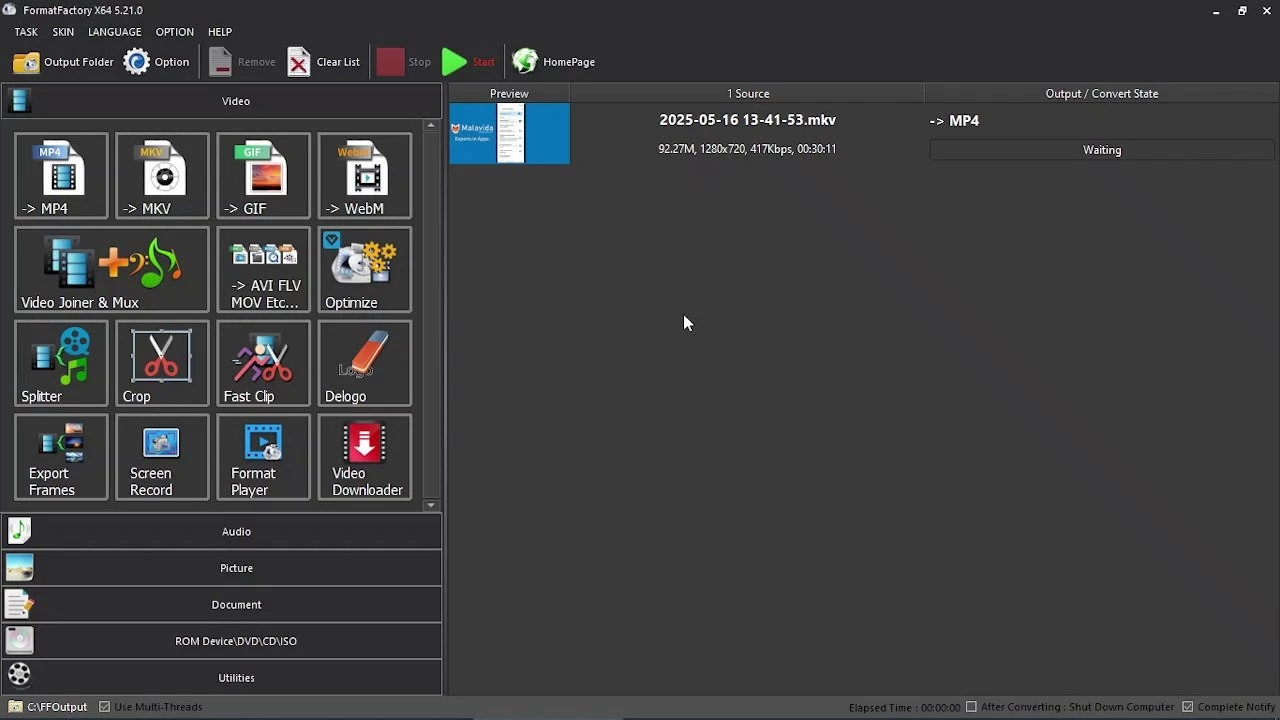
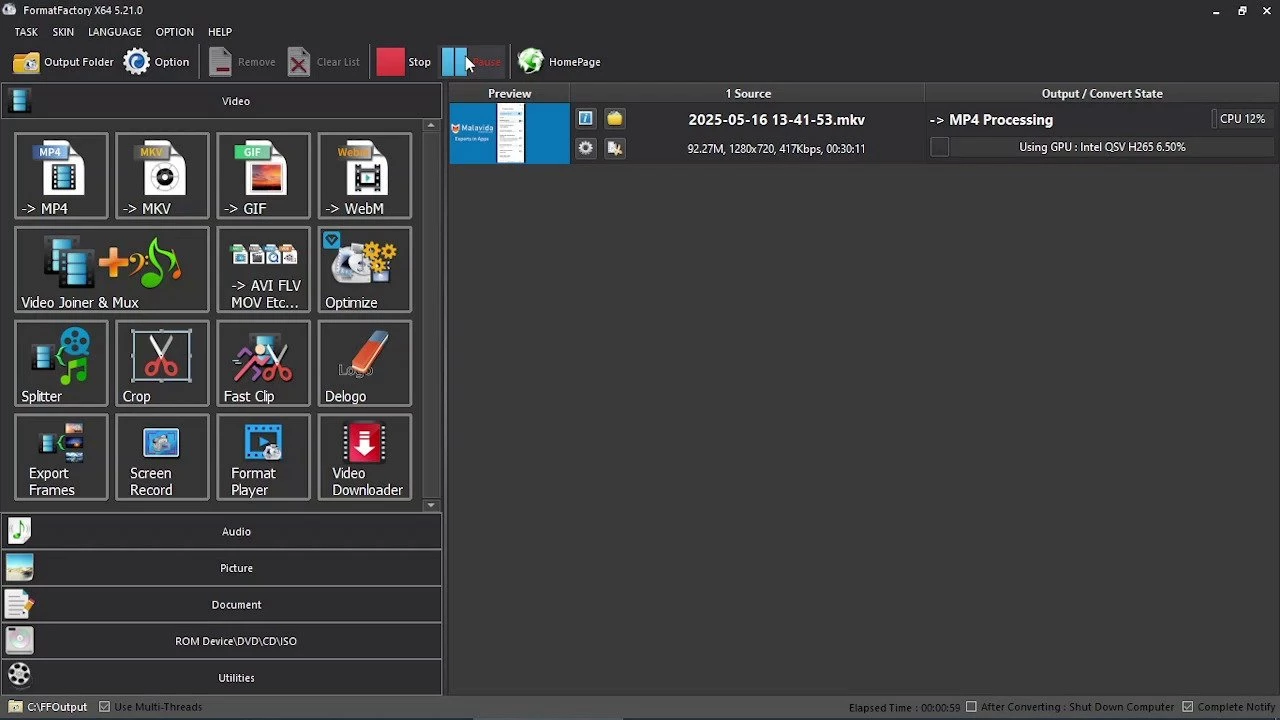
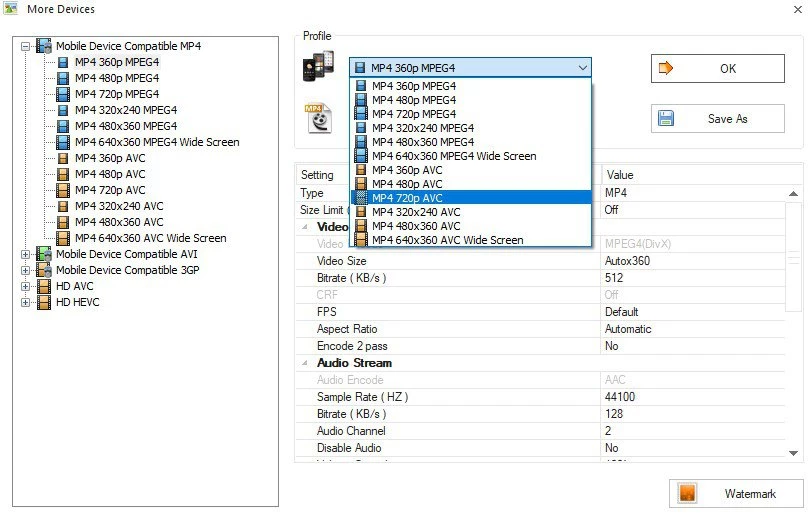
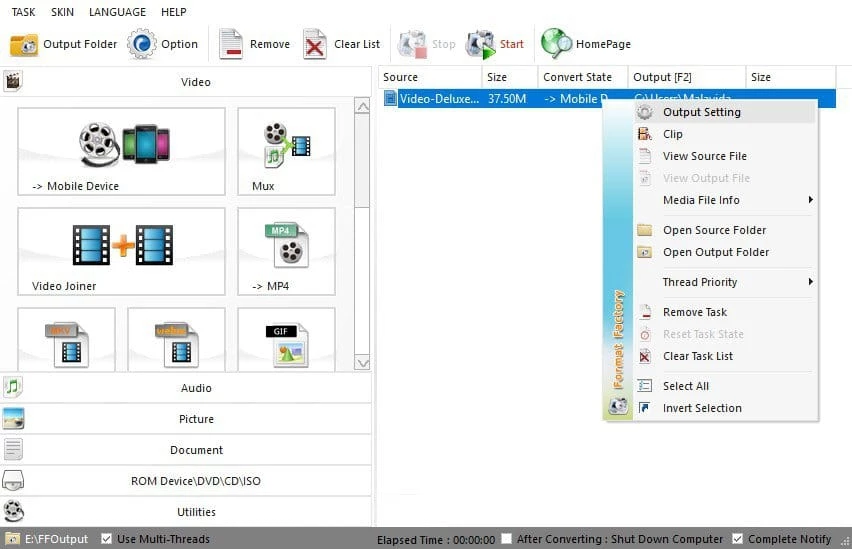
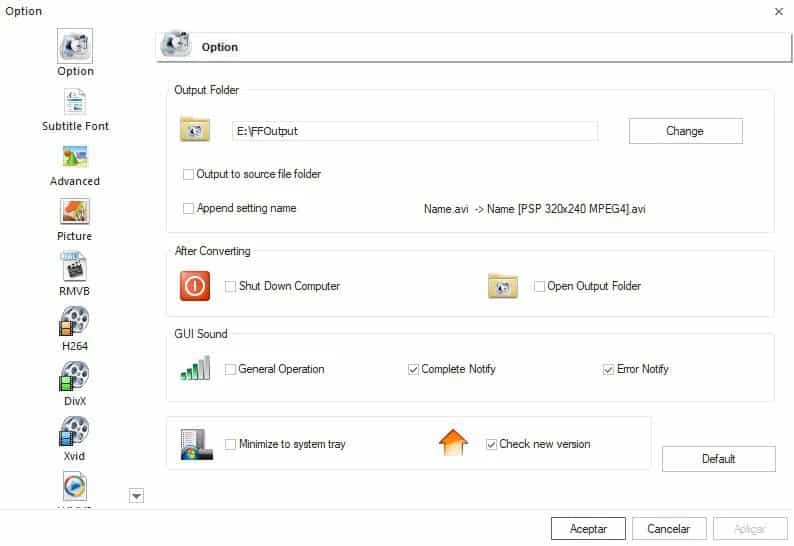
Format Factory 5.22.0.0 is a free multimedia converter for Windows from the developer Free Time. You can download Format Factory from the official pcfreetime.com site to convert video, audio and image files between formats in a few clicks.
Format Factory is the kind of tool many people keep on a PC for years: a single program that turns a phone video into a format an old TV understands, extracts the soundtrack of a clip as audio, shrinks a large recording for email or converts a pile of images at once. The interface is organised by task. On the left you pick what you want to get, for example a video in a particular format, then add files, adjust quality if needed and start the queue. Batch processing is its strength: you can drop in dozens of files and let it work while you do something else. It also handles simple jobs like joining clips or cutting a fragment, which saves opening a full video editor. Wikidata classes it as freeware with an adware licence, which matches the experience: the program is free, but it earns money through offers and advertising, particularly during installation. With some attention at that stage, it is a practical everyday converter.
The update log lists changes in each version.
Format Factory runs on Windows. Conversion speed depends on your processor, and long videos need free disk space for both the original and the result.
Take the installer only from pcfreetime.com. Repackaged copies from download portals often add even more bundled software. Read every installer screen, and if your browser's home page or search engine changes afterwards, reset it and remove the added program.
Format Factory is free; the developer is paid through ads and offers.
Convert one short test file before a large batch, and compare quality and size. Keep the originals until you are sure the converted files play everywhere you need them.
For sharing with phones and most TVs, a widely supported video format at the original resolution is the safe choice. Lower the resolution only when the file must be small, for example for a messenger or an email attachment. For audio extracted from video, a common compressed format is enough for speech and music on headphones.
Other converters and players on our site include Any Video Converter, Green Free Video Converter, Shotcut and VLC media player, which can also convert files.
CapCut for Windows is ByteDance's desktop video editor, with a timeline, templates and export presets for short and long videos.

CapCut Web is ByteDance's online video editor that runs in the browser, with templates, text, effects and export for social media videos.

VLC media player is a free, open-source video and audio player for Windows from the VideoLAN team. The current release is 3.0.24.

Green Free Video Converter is a small free Windows program for converting video files between common formats for phones, players and editors.

Streamlabs OBS, now called Streamlabs Desktop, is a free open-source Windows app for live streaming and recording with built-in alerts and overlays.

Free Cam is a free screen recorder for Windows from iSpring Solutions for recording screencasts with voice-over and trimming them before export.

TikTok for Windows is the desktop app of the short-video platform from TikTok Pte. Ltd., available free from the Microsoft Store.

Iriun Webcam is a small free Windows program that turns an Android phone or iPhone into a wireless webcam for video calls and streaming.